
iPhone · iPad · Android
Your car.
In pixels.
Always with you.
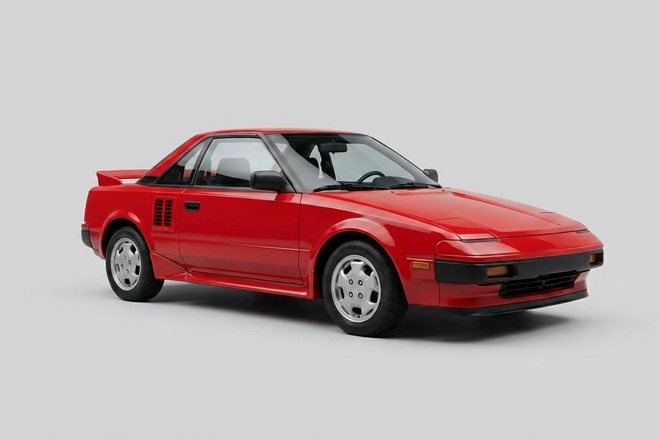
Pixel Garage turns a photo of your car or motorcycle into a little pixel vehicle — not a filter over the photo, but a new drawing with your vehicle's paint, rims and add-ons. From then on it lives on your home screen and drives through the room.
Get it on the App Store Test on Android
The Android version is in closed testing right now — here is how to join.
From photo to vehicle
Three steps, then it's in the garage
- Take a photo or pick one from your gallery. Best from the front at a slight angle, whole vehicle in frame.
- Two proposals come back. You pick the one that gets your car right.
- It moves in — into the widget, onto the stages, into the gallery. And it gets a name.
On your home screen
The room follows the clock
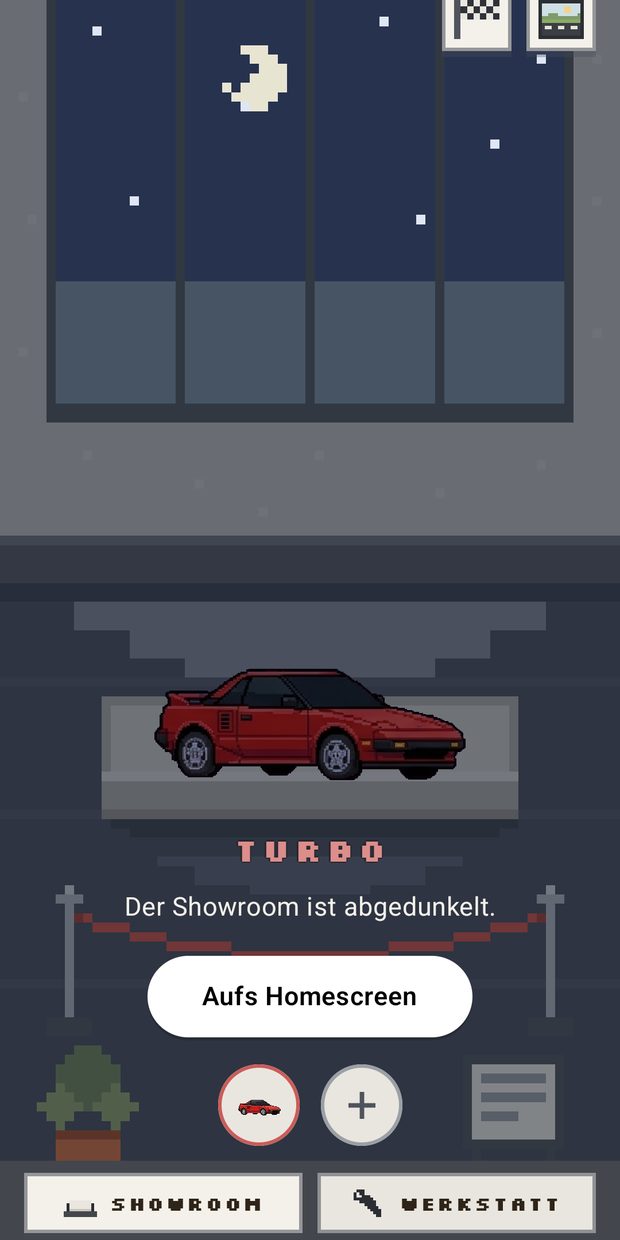
Your vehicle drives through a pixel room in a widget, and the room follows the time of day: bright light through the window in the morning, clear during the day, warm in the evening, stars and window lights at night.
All of that is worked out on the device — no location access, no connection to the outside.
Eight stages
Every vehicle gets its own place
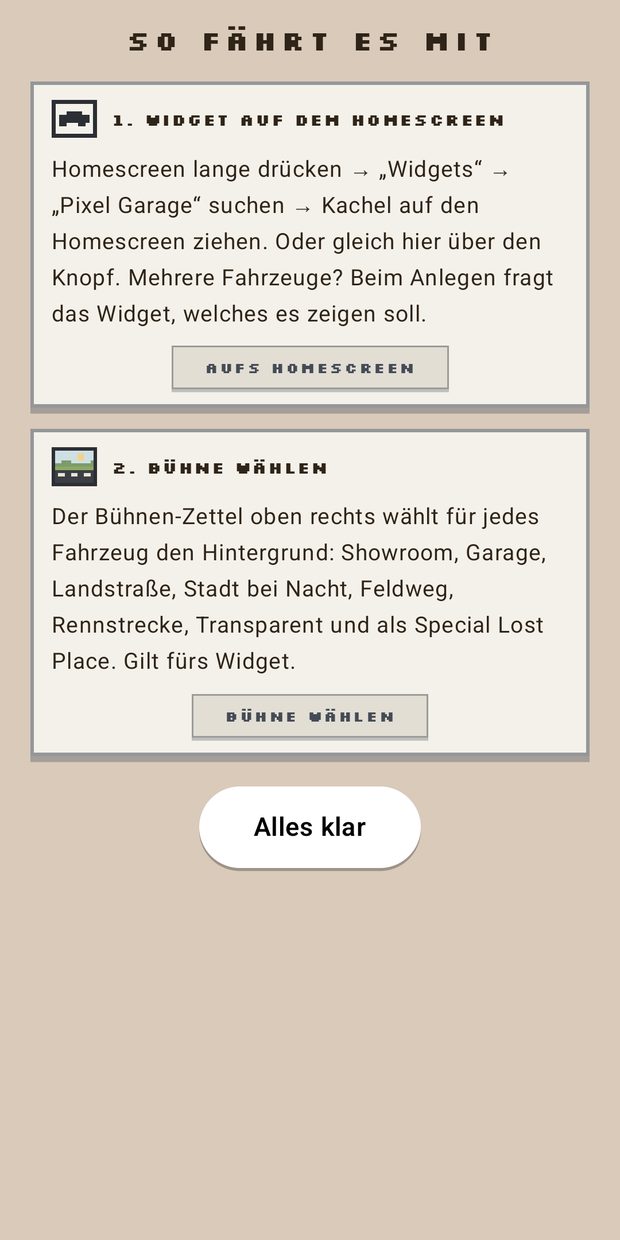
Showroom, garage, country road, city at night, dirt road, race track, an abandoned place — and a transparent stage that shows nothing but your vehicle on your wallpaper.
Your first car, the scooter, your father's car and the one you are saving for all stand in the same garage. You decide which one goes into the widget.
Fuel prices
The cheapest station nearby
Pick E5, E10 or diesel and see the cheapest open stations within 10 km, from the official German price authority. The best price shows up in the widget too. Germany and Austria only.
Giving one away
Pass a vehicle on
As a link or as a file. Whoever opens it unwraps the vehicle in a small animation and then has it in their own garage. Links expire after 30 days and cannot be found anywhere.
The workshop
Your own pixel art
If the transformation isn't enough for you, load a pixel PNG of your own into the app and turn it into a driving vehicle. This route stays entirely on the device.
What it costs
No subscription. No running costs.
- One in-app purchase per vehicle you transform. The workshop is a one-time purchase.
- No sign-up, no ads, no tracking.
- The transformation is AI-assisted and needs an internet connection for that. What happens to your photo is spelled out in the privacy policy, in language you can actually read.
Support
If something gets stuck
Questions, trouble with a transformation or with a purchase? Write to us — we usually answer within one working day.
Refunds go through the store you bought in: Apple via reportaproblem.apple.com, Google Play via your order history.